Microsoft SwiftKey AI Keyboard
SwiftKeyPersonalization
4.3225.62K Reviews
- Version
- 9.13.20.4
- Installs
- 1.00B
- Age Rating
- Everyone
Screenshots
Our Review of Microsoft SwiftKey AI Keyboard
 Analysis by Appyee
Hey there! So, I recently got my hands on the Microsoft SwiftKey AI Keyboard, and I’ve gotta say, it’s been quite the journey exploring everything it has to offer. If you’re on the hunt for a keyboard app that’s not only smart but also super intuitive, then stick around as I spill the beans on what makes this app stand out.
First Impressions and Setup
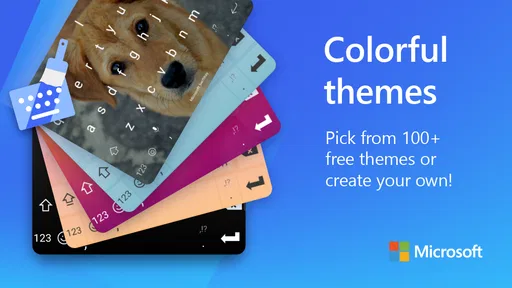
Getting started with SwiftKey AI Keyboard is a breeze. The installation process is straightforward, and before you know it, you’re up and running. One thing that caught my eye right away was its sleek design. It’s got this minimalistic vibe that’s really appealing and doesn’t clutter your screen. Plus, it’s customizable, so you can tweak it to match your style or mood. Whether you’re into funky themes or more classic looks, there’s something here for everyone.
Once you’ve got it installed, the app guides you through a quick setup. You can choose your language preferences and sync it with your Microsoft account if you’re into that kind of thing. This integration is pretty handy as it allows for a seamless experience across devices.
AI-Powered Predictions
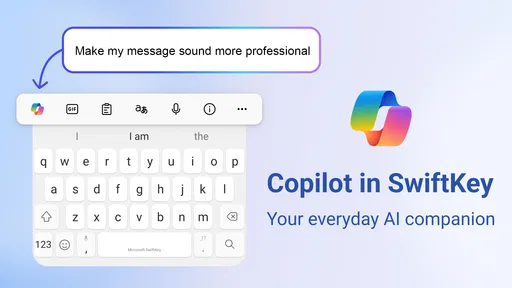
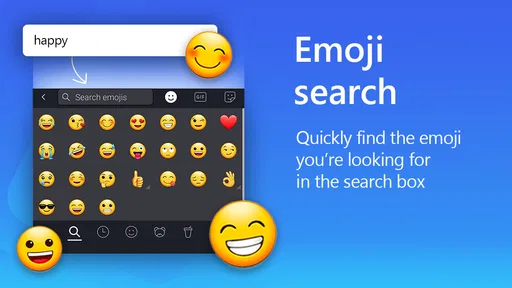
This is where the magic happens, folks! The AI in SwiftKey is not just a marketing gimmick; it genuinely learns from your typing habits. Over time, it starts predicting your next words and phrases with impressive accuracy. I was surprised by how quickly it adapted to my writing style, slang, and even emojis. It’s like it knows what I want to say before I do!
The AI-driven suggestions are spot-on, saving me loads of time, especially during those long typing sessions. Whether you’re drafting emails or chatting with friends, it feels like having a little assistant by your side, making the whole typing experience smoother and more efficient.
Multilingual Mastery
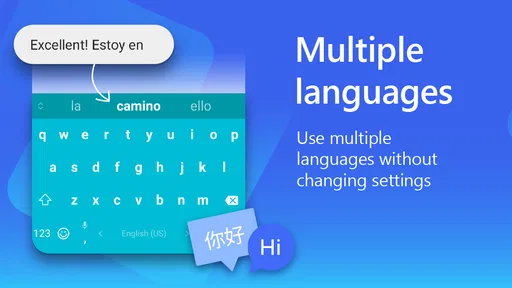
For those of you who juggle multiple languages, this app is a game-changer. You can switch between languages on the fly without any hassle. I tested it with English and Spanish, and it seamlessly handled both without missing a beat. The language model adjusts according to the context, which is incredibly helpful if you’re multilingual or learning a new language.
Customization Galore
Now, let’s talk about customization. If you’re anything like me, you love personalizing your gadgets. SwiftKey AI Keyboard lets you dive into a variety of themes, keyboard sizes, and layouts. You can even adjust the key size and layout to fit your typing preferences perfectly. This level of personalization is what makes using the app feel truly unique to each user.
- Themes: Choose from a plethora of themes ranging from simple to flashy.
- Layouts: Adjust the keyboard size to fit your comfort zone.
- Key Customization: Tailor key size and spacing to your liking.
Integration and Cloud Sync
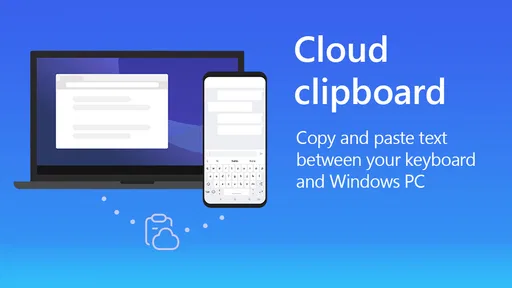
Another feature worth mentioning is the cloud sync. If you’re someone who switches between devices, this feature is a lifesaver. Your typing data and preferences sync seamlessly, ensuring that you have the same experience whether you’re on your phone or tablet. It’s like having your personal typing environment follow you wherever you go.
Privacy Concerns
In today’s digital age, privacy is a biggie. Thankfully, SwiftKey takes this seriously. The app doesn’t store your sensitive data like passwords or credit card information. Plus, you have control over what data gets shared, which is reassuring. Knowing that your data is protected while enjoying the benefits of AI is a big win in my book.
Final Thoughts
So, is the Microsoft SwiftKey AI Keyboard worth the download? Absolutely! It’s a powerhouse of features wrapped in a user-friendly package. Whether you’re a casual texter or someone who types extensively for work, this app adapts to your needs with ease. The AI predictions, customization options, and multilingual support make it a top contender in the keyboard app market.
If you’ve been on the fence about trying out a new keyboard app, give SwiftKey a shot. It might just change the way you type, making it faster and more enjoyable. Happy typing!
Privacy and Permissions
See what permissions an app requests and how it handles your data.
- Photos/Media/Files
- read the contents of your USB storage, modify or delete the contents of your USB storage
- Storage
- read the contents of your USB storage, modify or delete the contents of your USB storage
- Camera
- take pictures and videos
- Microphone
- record audio
- Wi-Fi connection information
- view Wi-Fi connections
- Other
- view network connections, full network access, control Near Field Communication, run at startup, control vibration, prevent device from sleeping
Verdict
Strengths of Microsoft SwiftKey AI Keyboard
- Highly customizable themes and layouts.
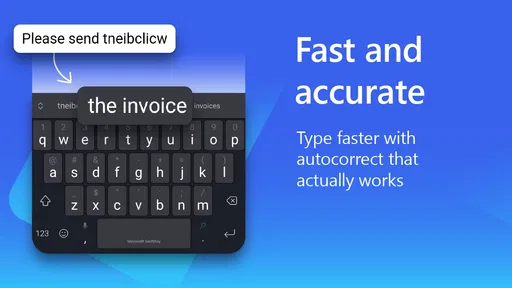
- Efficient autocorrect and prediction.
- Supports multiple languages seamlessly.
- Integrates with clipboard manager.
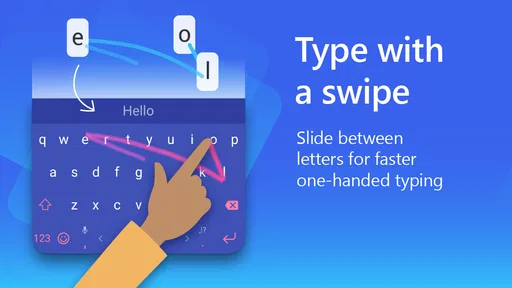
- Gesture typing for faster input.
Limitations of Microsoft SwiftKey AI Keyboard
- Occasional lag on older devices.
- Some features require internet.
- Limited themes in free version.
- Can drain battery quickly.
- Ads in free version can be intrusive.
Similar Picks in This Category
View All
Wallpapers
Google LLC4.1

Zedge™ Wallpapers & Ringtones
Zedge4.7

Yandex Browser with Alice AI
Direct Cursus Computer Systems Trading LLC4.3

Ringtone Maker:create ringtone
Big Bang Inc.4.7

Fonts Keyboard
Fonts Keyboard3.9

Neon Love Theme
Delicate theme for Android App4.6
You May Also Like
View All
Frequently Asked Questions
What is Microsoft SwiftKey AI Keyboard?
Microsoft SwiftKey AI Keyboard is a smart typing app that enhances your typing experience with AI-powered predictions and autocorrect features. It learns your writing style and adapts to your typing habits, offering personalized suggestions, emojis, and a seamless multilingual typing experience. It's available for both Android and iOS.
How does Microsoft SwiftKey improve typing accuracy?
Microsoft SwiftKey uses advanced AI algorithms to analyze your typing patterns and predict what you're likely to type next. This means fewer typos and more accurate word suggestions. It also offers a comprehensive autocorrect feature that learns from your corrections over time, making it more effective in understanding your unique way of typing.
Does Microsoft SwiftKey support multiple languages?
Yes, Microsoft SwiftKey supports over 300 languages, allowing you to type in multiple languages without switching keyboards. The app can recognize and predict text in up to five languages simultaneously, making it an excellent choice for multilingual users who frequently switch between languages.
Is my data secure with Microsoft SwiftKey?
Microsoft SwiftKey prioritizes user privacy and data security. The app learns from your typing habits, but the information is stored locally on your device and is not shared with Microsoft. It complies with privacy regulations and allows users to control data collection settings, ensuring a secure and private typing experience.
What customization options are available in Microsoft SwiftKey?
Microsoft SwiftKey offers extensive customization options, allowing you to personalize your keyboard's appearance with various themes, colors, and layouts. You can also adjust the size and position of the keyboard to suit your preferences. Additionally, users can customize the toolbar and choose which features to display for a personalized experience.
